How to Pull Tax Liens & Defaults Records in Sacramento County, CA
Pattern: recordersdocumentindex.saccounty.govGo to Sacramento County Recorder
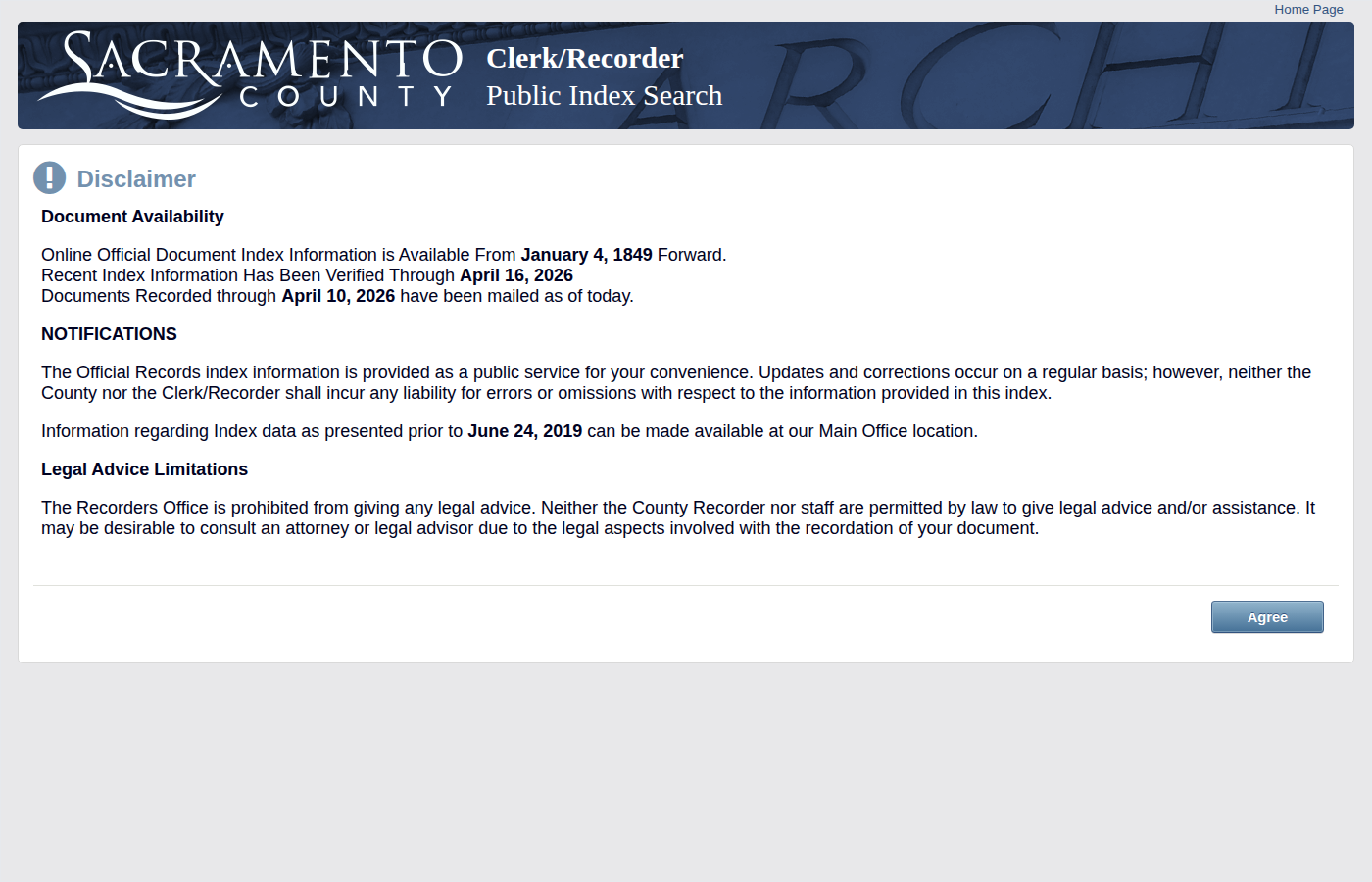
Navigate to recordersdocumentindex.saccounty.gov. Accept the disclaimer to proceed.
Access the Search Form
After accepting the disclaimer, the document search form appears with fields for filing code, date range, and name.
Select Filing Code
Choose the filing code for the record type you want:
378 = Certificate of Delinquent Personal Property Tax
379 = Certificate of Federal Tax Lien
480 = Delinquent Tax Notice
531 = Notice of Default
644 = Termination of Delinquent Utility
Set Date Range
Enter the recording date range. Default covers all of the current year forward. Narrow to recent dates for fresh records.
Submit & Browse Results
Click Search. Results show Document Number, Document Date, Title, Grantor (Name R), and Grantee (Name E). Navigate through pages to see all results.
Record the Data
For each record, note: Document Number, Document Date, Grantor/Grantee names, Property Address (if listed), and the Filing Code.
Skip the manual work?
CountyPull automates this entire process. Fresh tax liens & defaults records from Sacramento County delivered to your dashboard every morning — clean CSV, skip-trace ready. The free plan includes 100 rows every month.
Get 100 Free Leads →Other guides for Sacramento County:
More for this county: Sacramento County data sources & free lead lists →