How to Pull Probate Records in San Bernardino County, CA
Pattern: PROVV*Go to the Court Access Portal
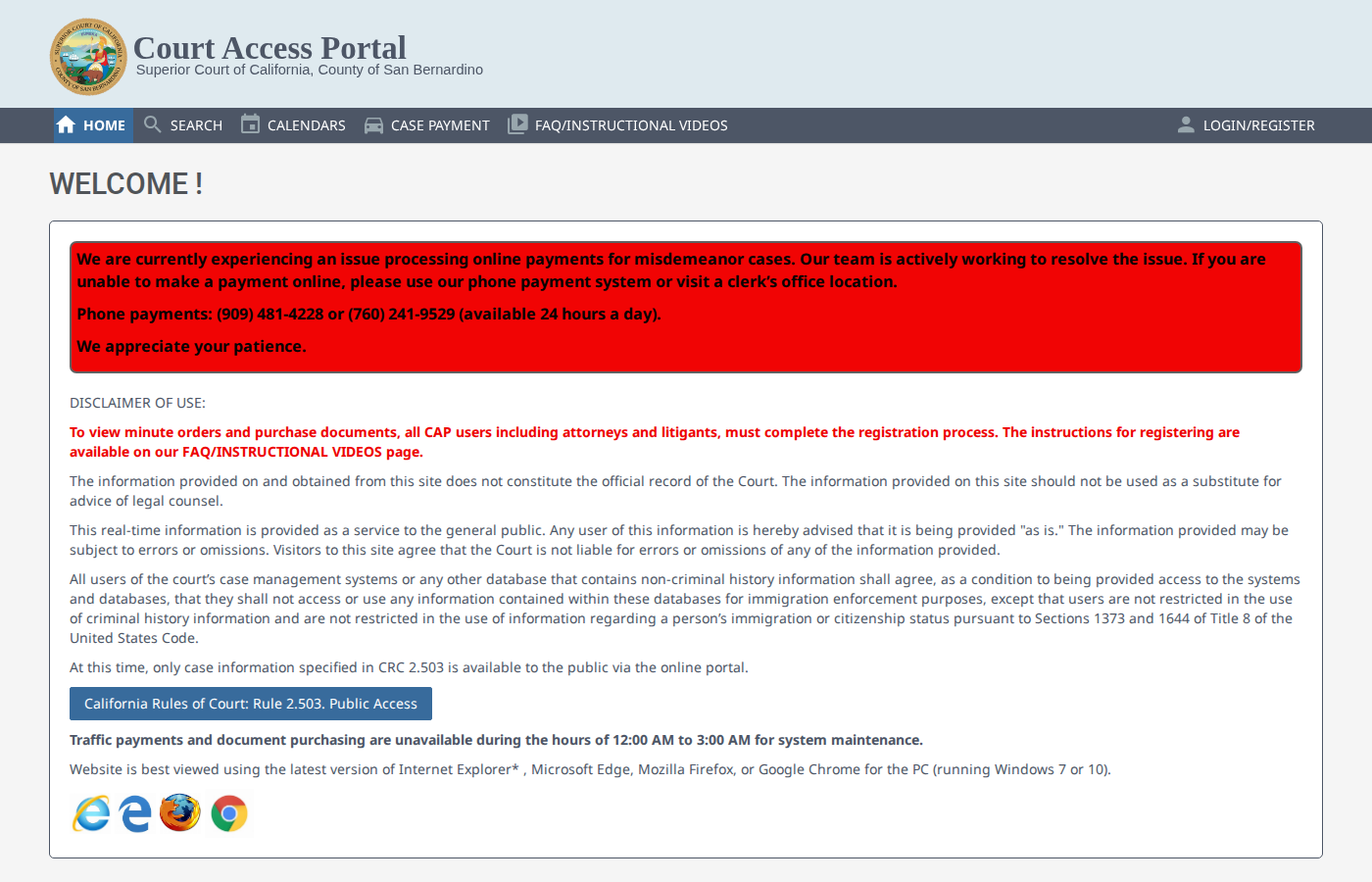
Navigate to cap.sb-court.org. This is the San Bernardino Superior Court public portal.
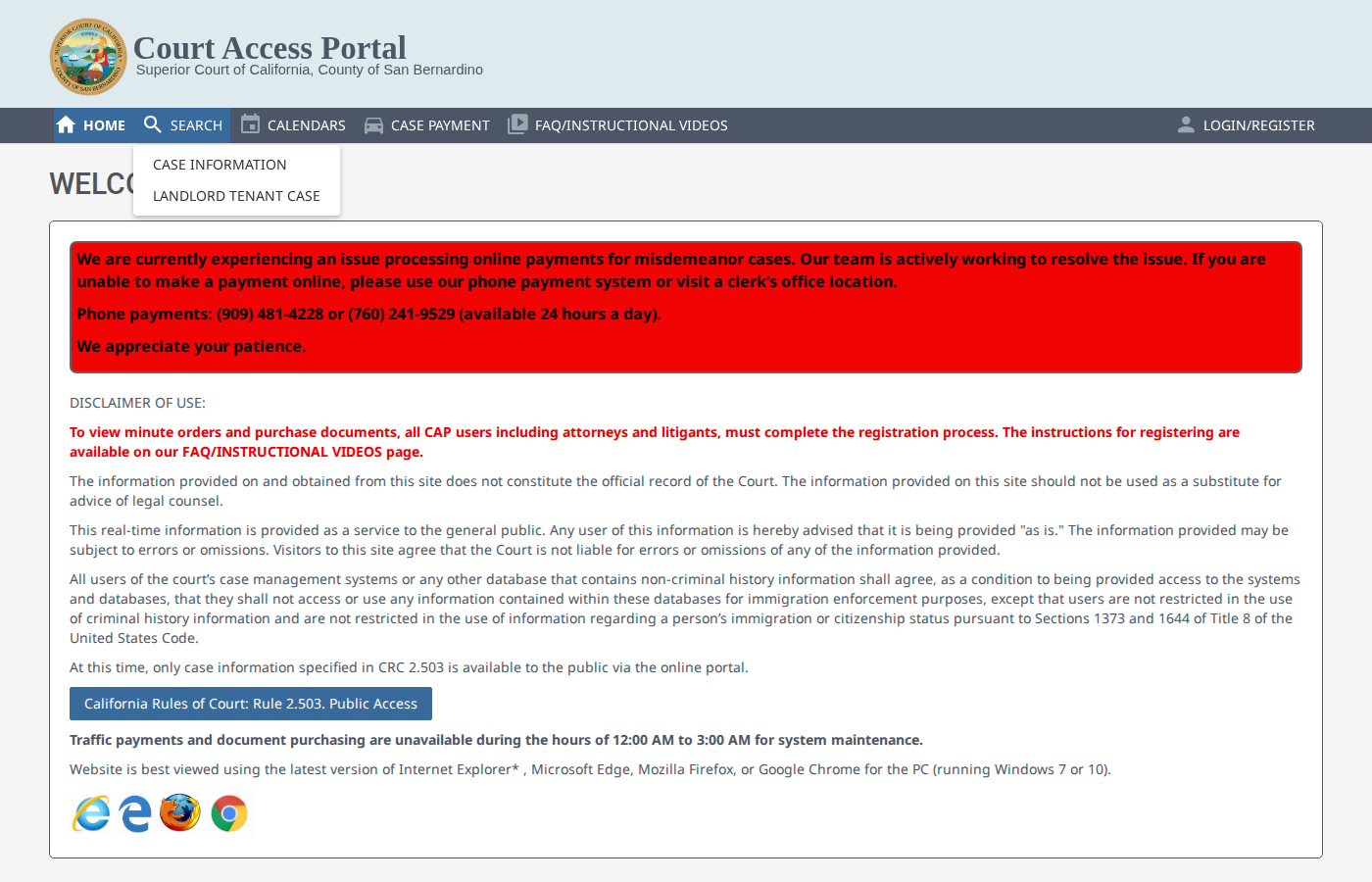
Click Search > Case Information
In the top navigation, click SEARCH, then select CASE INFORMATION from the dropdown.
Solve the reCAPTCHA
Check the "I'm not a robot" reCAPTCHA box and complete the image verification if prompted.
Enter Case Number Pattern
In the case number field, enter PROVV* (probate cases with wildcard). Click Search.
Browse Results
The results table shows case numbers, case types, filing dates, and parties. Navigate through pages to find recent filings.
Open Case Detail
Click a case number to view details. Check the CASE INFO tab for filing date and status, PARTIES tab for petitioner and decedent, and DOCUMENTS tab for downloadable PDFs.
Download Documents
On the Documents tab, click the PDF icons to download court filings. The petition for probate contains decedent info, heirs, property details, and executor information.
Qualify the Lead
Only record cases that are estate administration (decedent with executor/administrator). Skip guardianships, conservatorships, and Special Immigrant Juvenile (SIJ) cases.
Record the Data
For each qualified case: Case Number, Decedent Name, Petitioner Name & Address, Property Address, Date of Death, Filing Date, and whether a will exists.
Skip the manual work?
CountyPull automates this entire process. Fresh probate records from San Bernardino County delivered to your dashboard every morning — clean CSV, skip-trace ready. The free plan includes 100 rows every month.
Get 100 Free Leads →Other guides for San Bernardino County:
More for this county: San Bernardino County data sources & free lead lists →