How to Pull Tax Deed Auction Records in Marion County, FL
Pattern: marion.realforeclose.comGo to the Marion County Auction Calendar
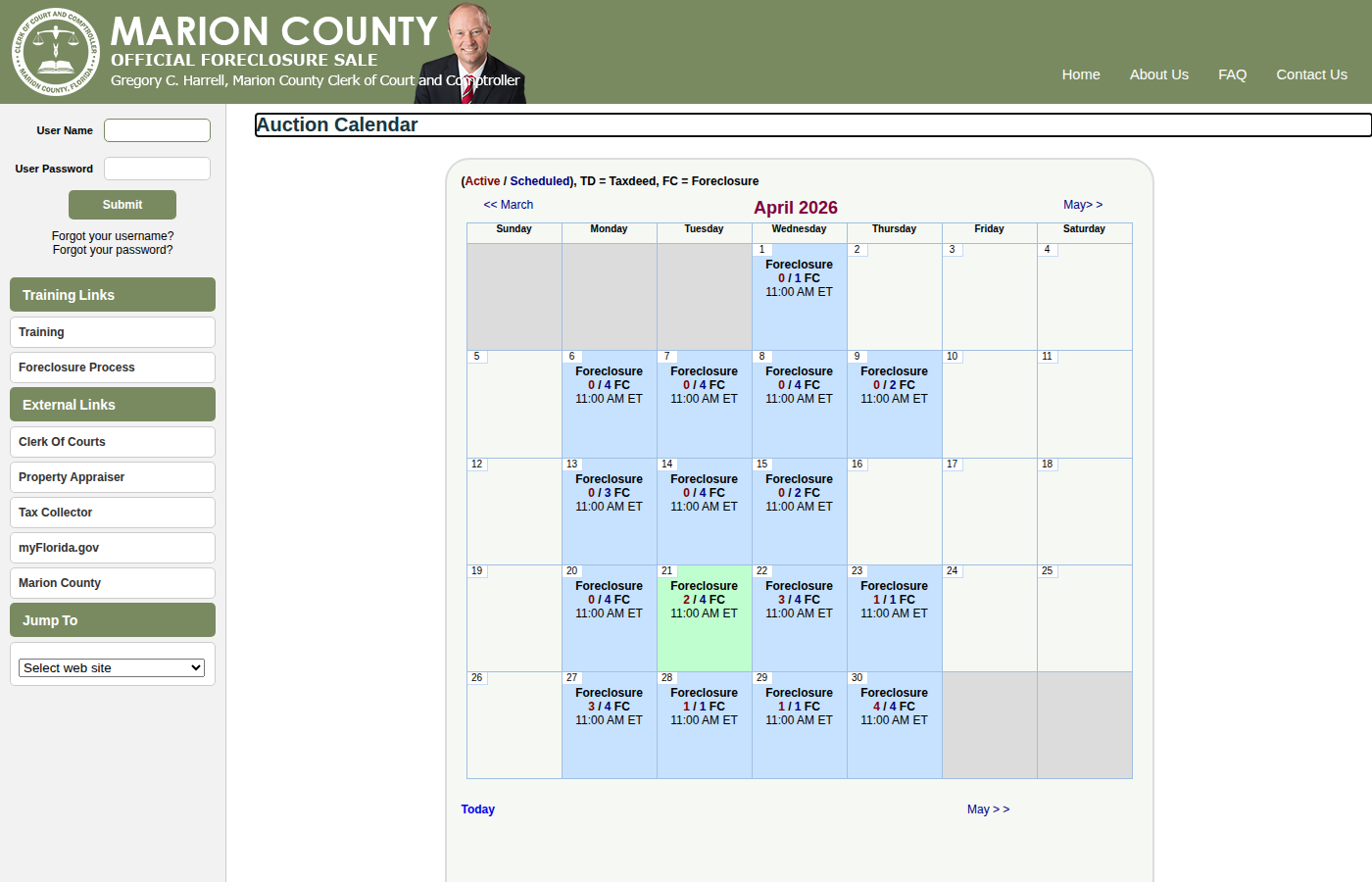
Navigate to marion.realforeclose.com. This is the official tax deed auction site for Marion County, Florida. The calendar shows upcoming and past auction dates.
Select an Auction Date
Click on a highlighted date (colored cells) to view all properties scheduled for that sale. Green = Scheduled, Orange = Active. The legend shows TD = Tax Deed, FC = Foreclosure.
Review the Auction List
The auction page shows all properties for that date with Case Number, Certificate Number, Parcel ID, Opening Bid, and Assessed Value. Click a property row for full details.
Check Auction Status
Properties can be Normal (active auction), Redeemed (owner paid taxes — no longer available), or Cancelled. Focus on Normal status items.
Navigate Between Dates
Use << March / May >> links to browse other months. Click Today to jump to the current date.
Record the Data
For each property, record: Case Number, Certificate Number, Parcel ID, Property Address, Opening Bid, Assessed Value, Auction Date, and Status.
Skip the manual work?
CountyPull automates this entire process. Fresh tax deed auction records from Marion County delivered to your dashboard every morning — clean CSV, skip-trace ready. The free plan includes 100 rows every month.
Get 100 Free Leads →More for this county: Marion County data sources & free lead lists →