How to Pull Foreclosure Records in Bexar County, TX
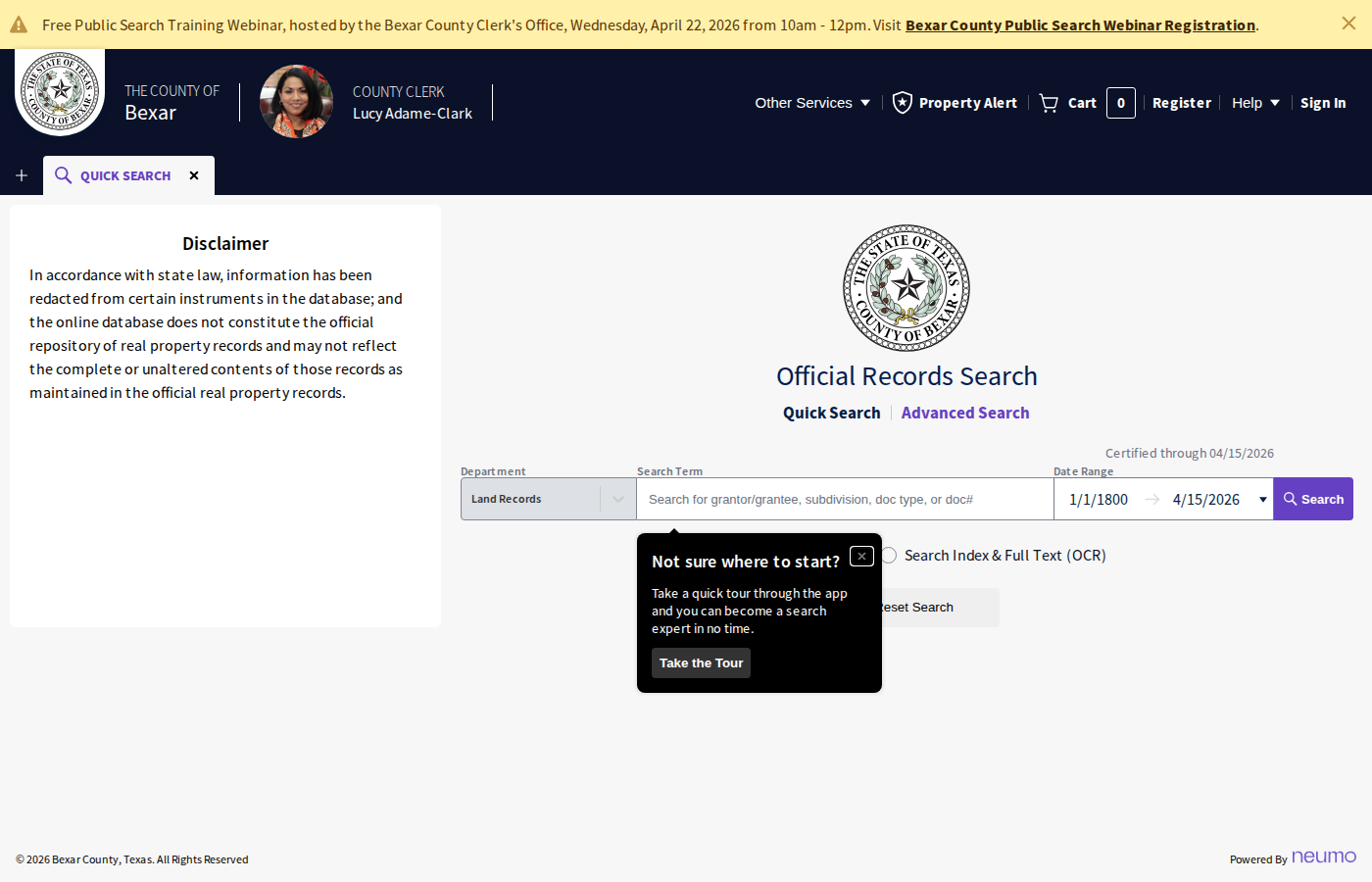
Pattern: bexar.tx.publicsearch.usGo to Bexar County Public Search
Navigate to bexar.tx.publicsearch.us. This is the official Bexar County Clerk's records search portal.
Select the Foreclosures Department
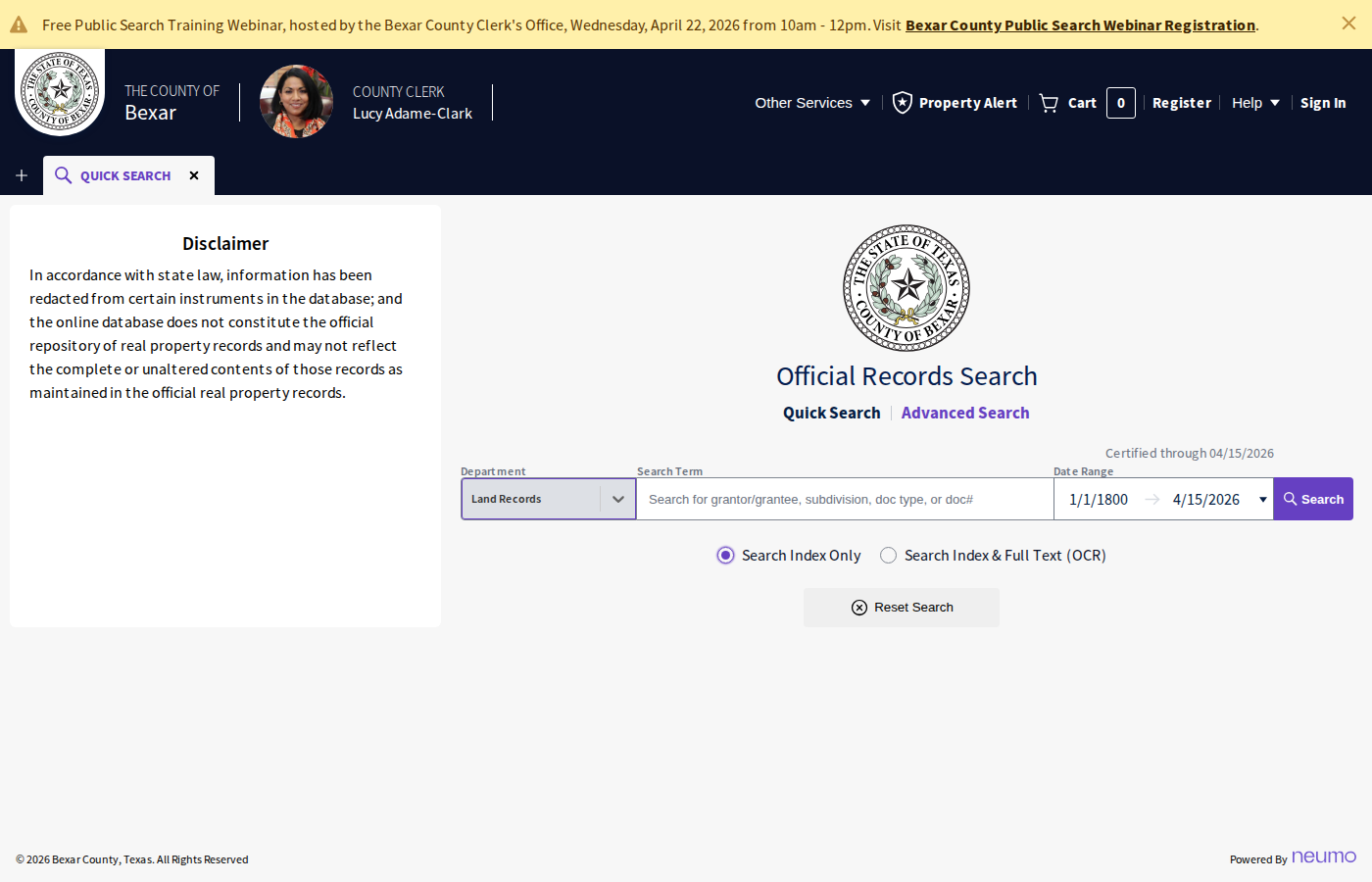
In the Department dropdown, select Foreclosures. This filters results to foreclosure filings only.
Set Search Criteria
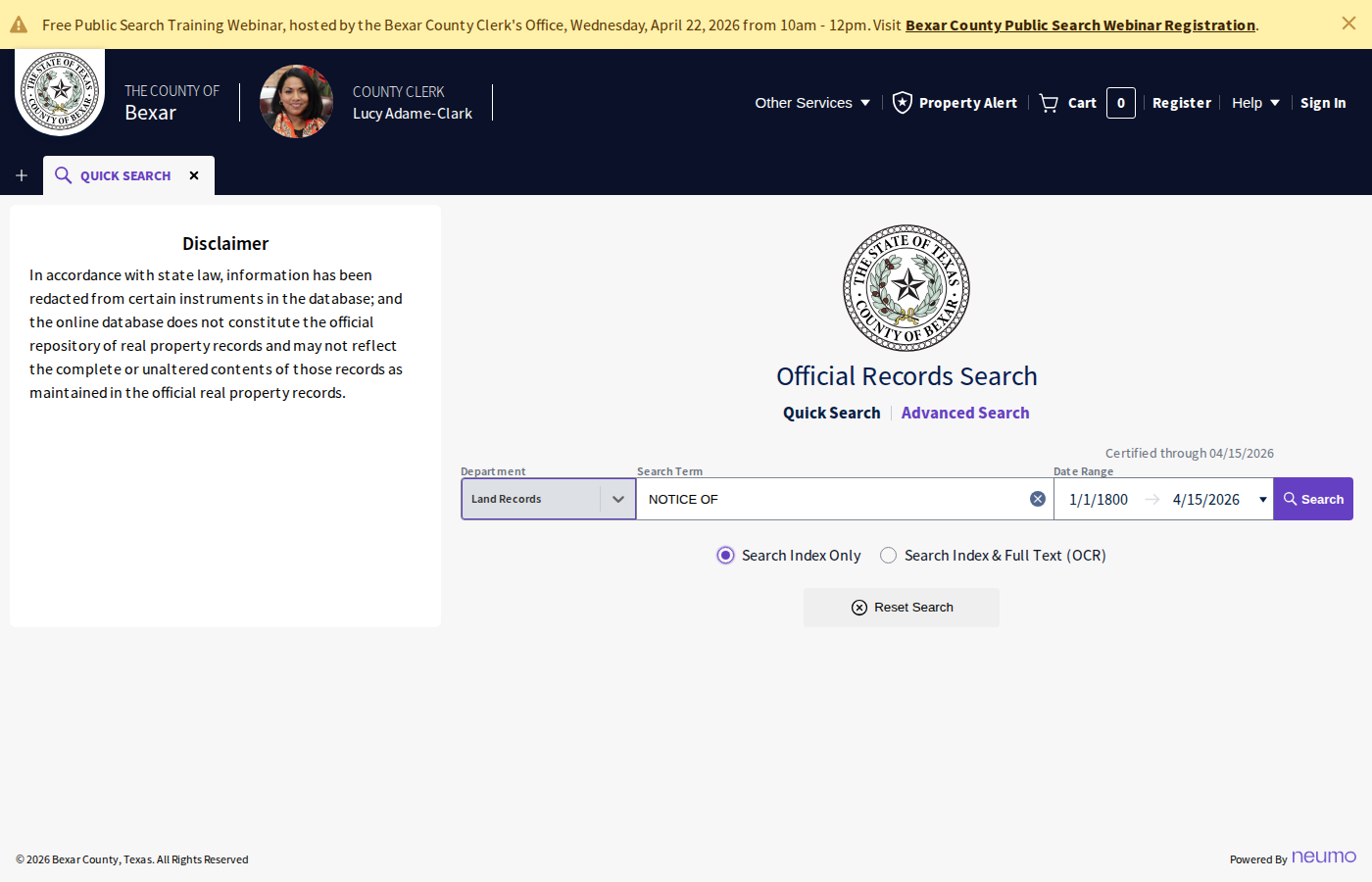
Enter NOTICE OF in the Search Term field. Set the Date Range to cover the period you want (e.g. last 30 days to 60 days forward). Click Search.
Review Results
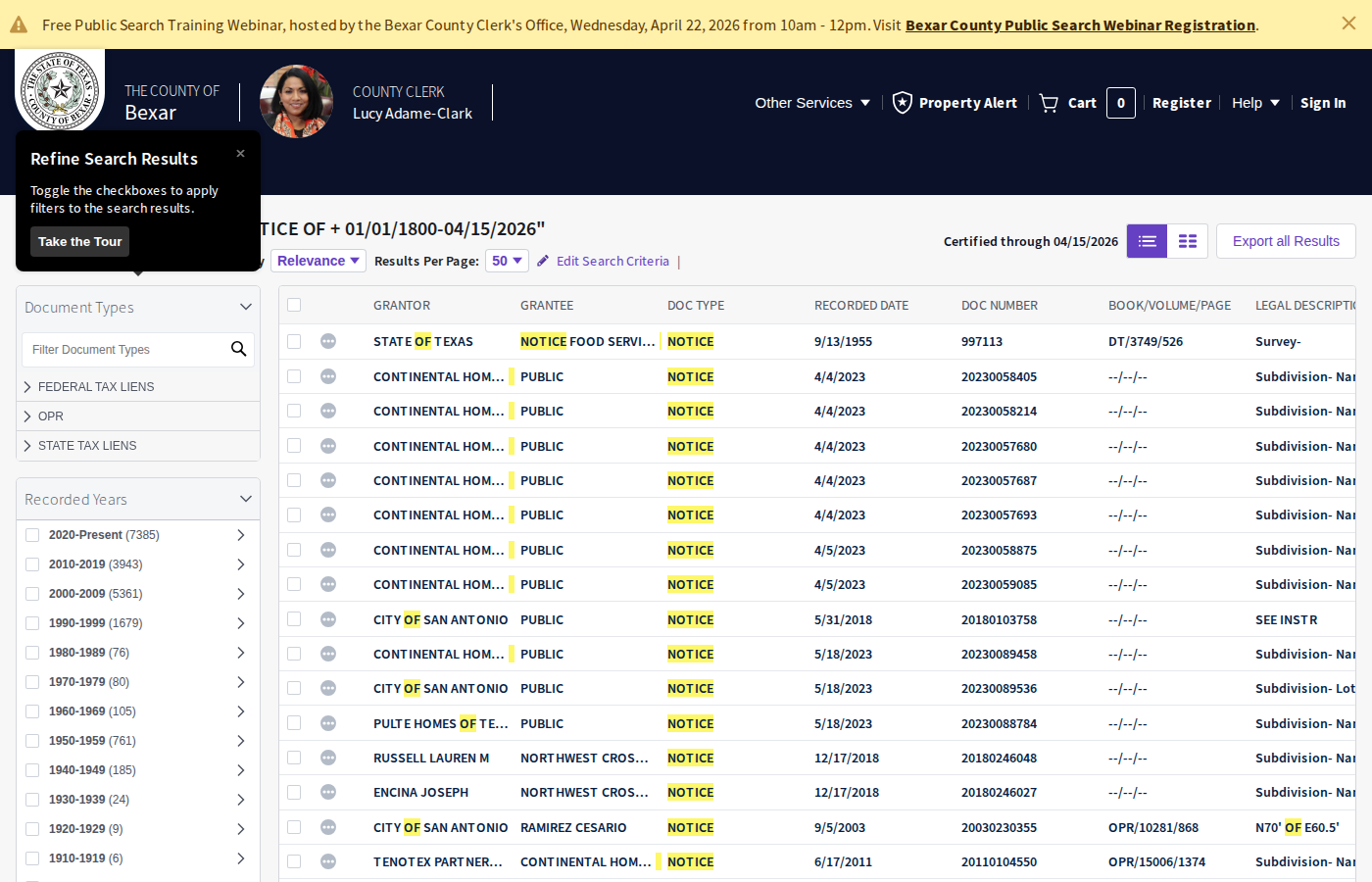
The results show foreclosure notices with Document Type, Recorded Date, Sale Date, and Property Address. Look for NOTICE OF SUBSTITUTE TRUSTEE'S SALE entries.
Open a Document
Click on a document row to view the full foreclosure notice. The document viewer shows scanned pages of the filing.
Extract Key Data
From each notice, record: Sale Date & Time, Borrower Name, Property Address, Original Loan Amount, Default Amount, Trustee/Attorney, and Lender.
Check for Updates
Foreclosure notices can be cancelled or rescheduled. Check back periodically to see if sale dates have changed or notices have been withdrawn.
Skip the manual work?
CountyPull automates this entire process. Fresh foreclosure records from Bexar County delivered to your dashboard every morning — clean CSV, skip-trace ready. The free plan includes 100 rows every month.
Get 100 Free Leads →More for this county: Bexar County data sources & free lead lists →