How to Pull Lis Pendens County Data for Albany County, NY
A lis pendens list shows public notices that a lawsuit is open against a property. To find lis pendens records for Albany County, New York (NY), use SearchIQS. No account is needed. Free to search as guest. We have not tested whether a VPN is needed. You may see a CAPTCHA. You can only print the results.
Also known as: notice of pending action, notice of pending litigation, pre-foreclosure notices.
What you need
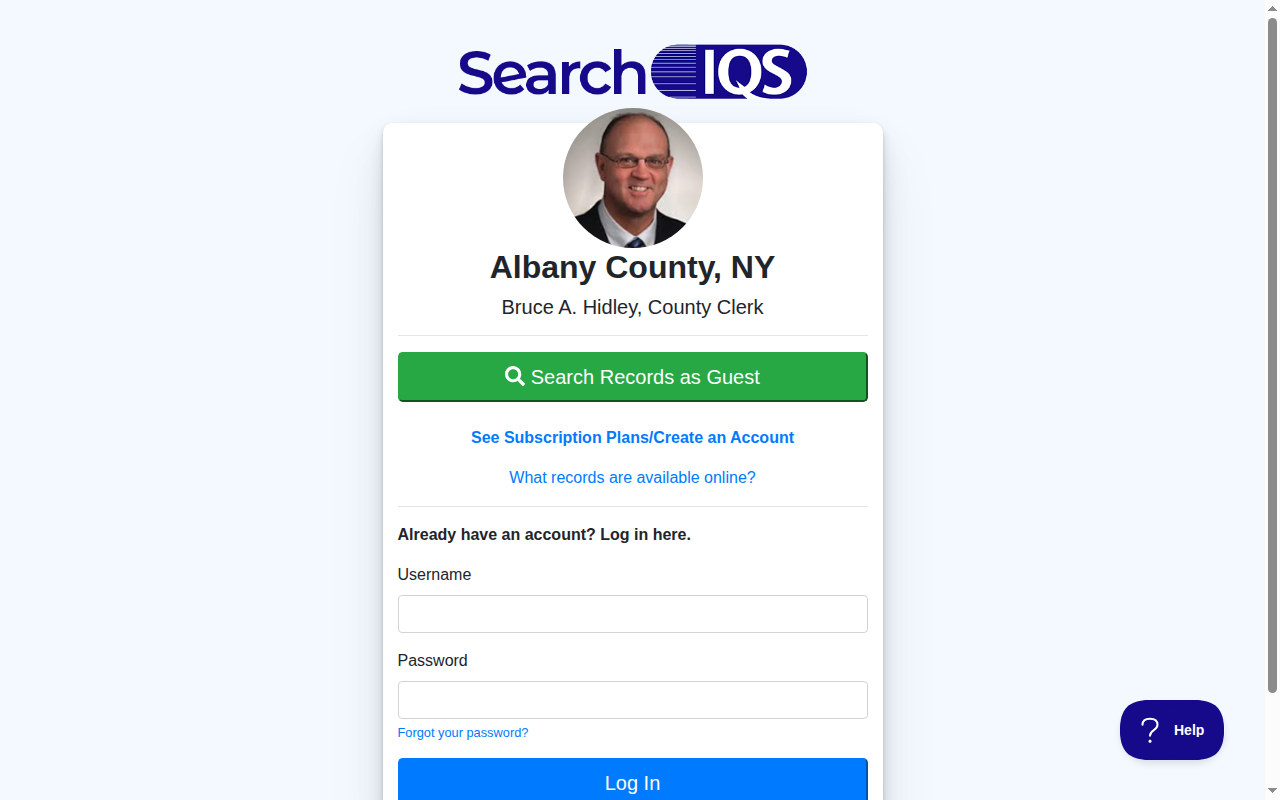
Search with the guest button. A security check may show first. Solve the CAPTCHA if shown.
What it is
A lis pendens is a public notice that a lawsuit involving a property has been filed. Many are filed when a lender starts a foreclosure.
Why it matters
It is one of the earliest public signs that an owner is in trouble. You can reach the owner before the property goes to a sale.
The fields you get
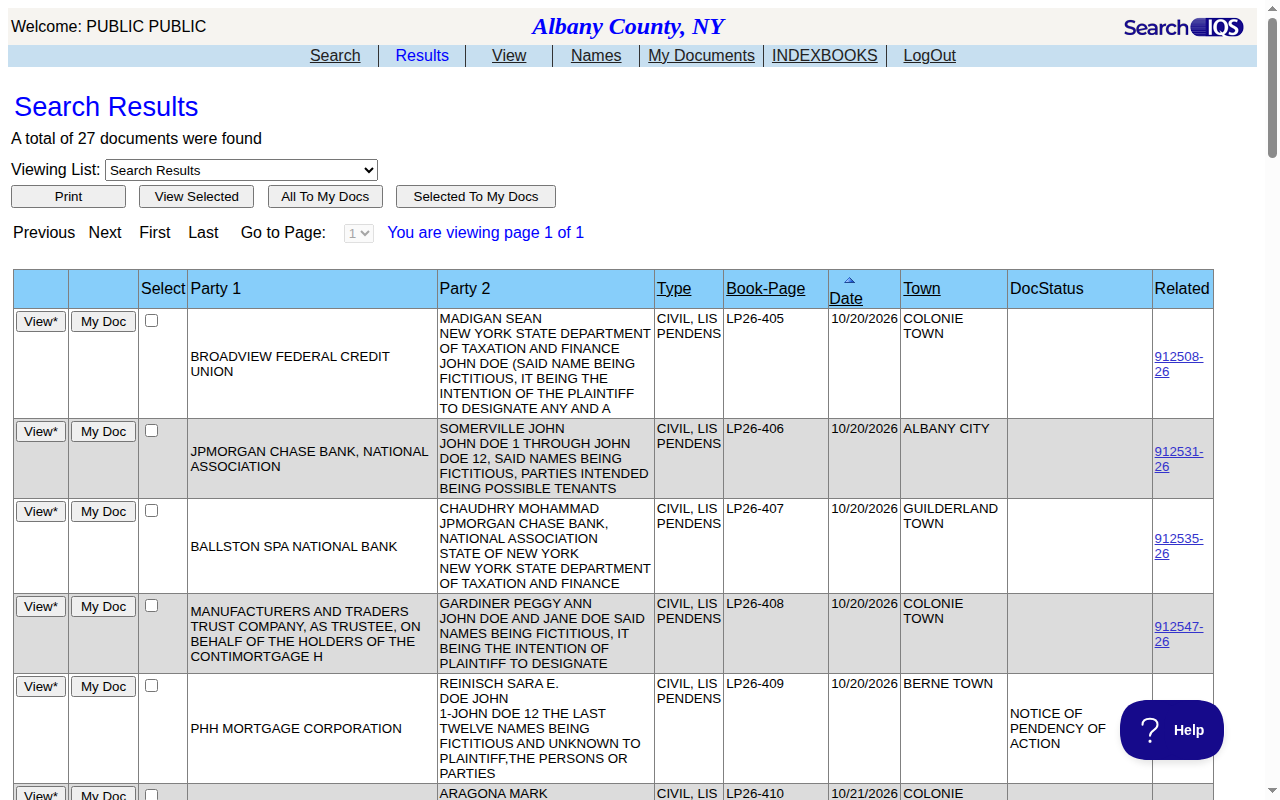
- Party 1 (usually the lender)
- Party 2 (usually the owner and others)
- Type
- Book and page
- Date
- Town
- Related index number
Follow these 7 steps
-
Open the Albany County site
Open the Albany County SearchIQS link on this page. If a security check shows, wait for it to finish. Solve the CAPTCHA if shown. -
Choose the group
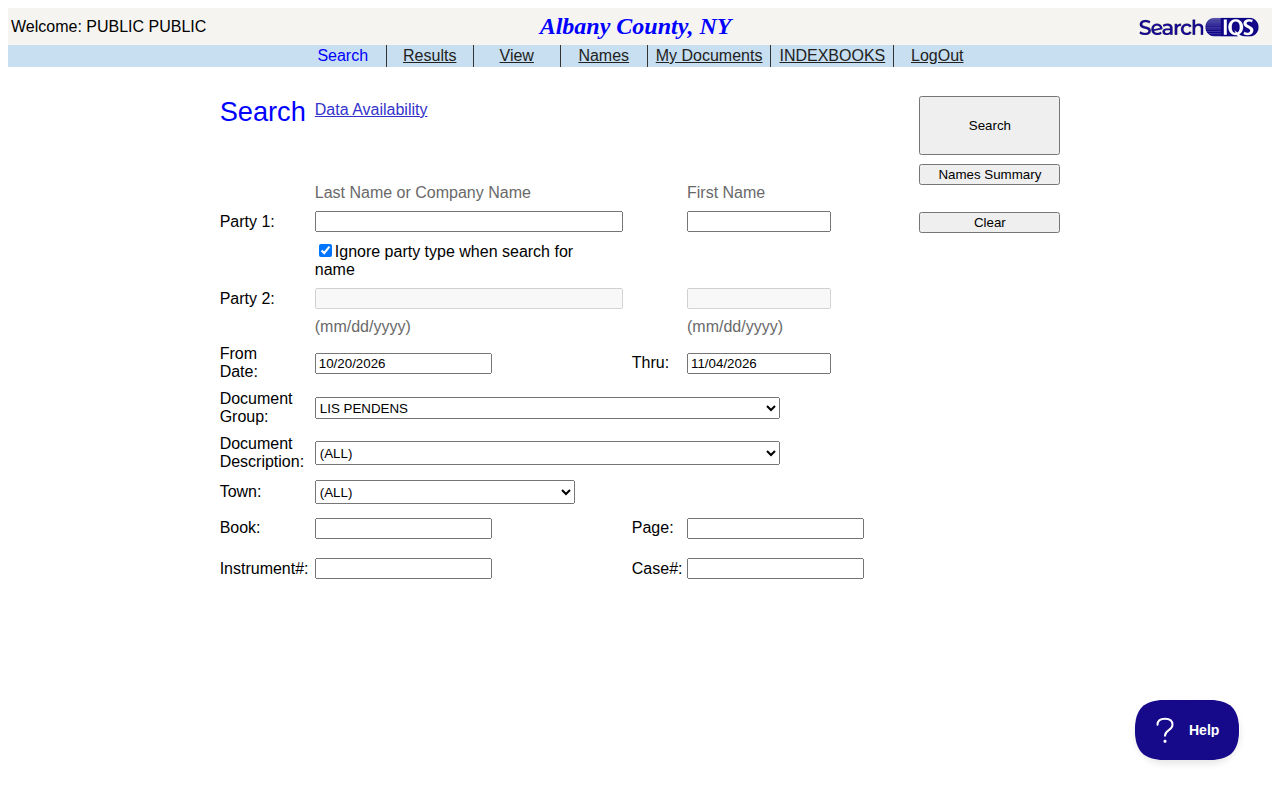
In Document Group, choose LIS PENDENS. The page refreshes. -
Open a document
Press View* on a row. The left side shows the plaintiff, defendant and town. The first page of the notice often names the property address.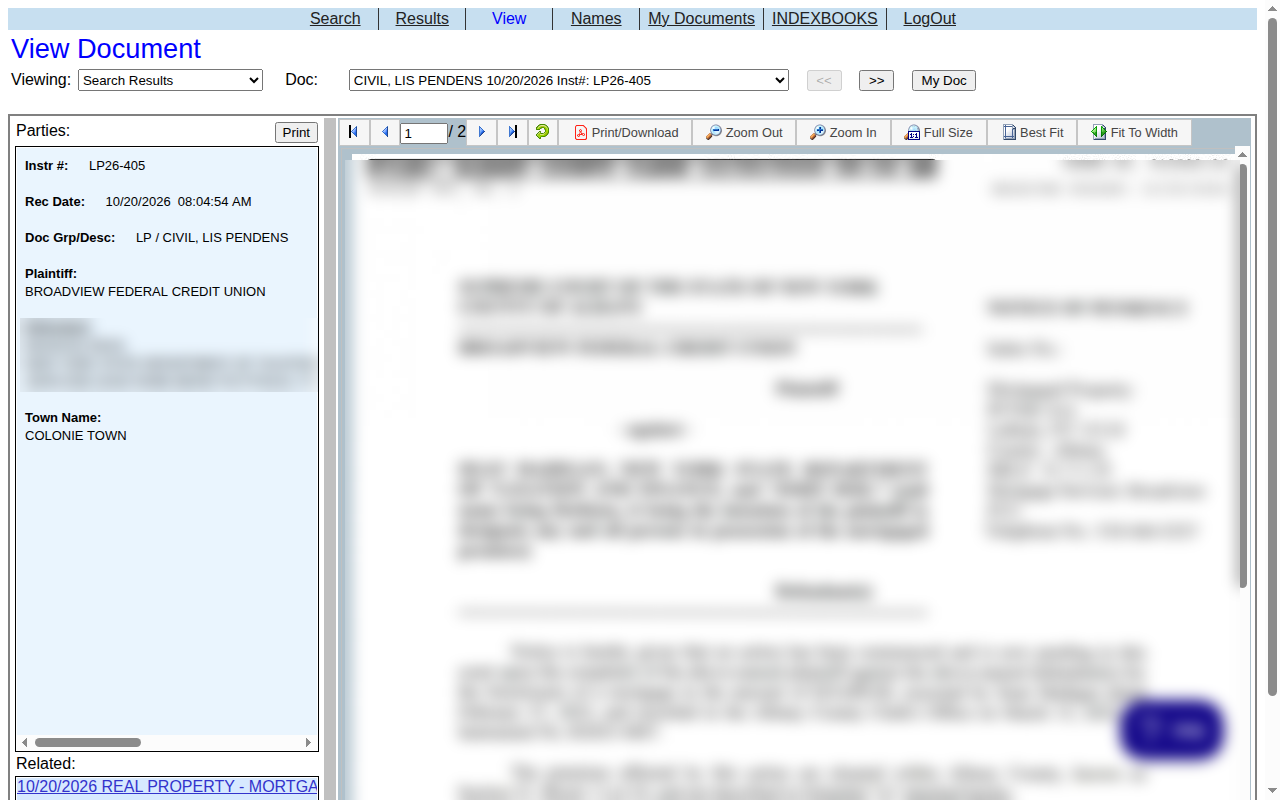 Enlarge
-
Save your list
Go back to Results and press Print. In the print window, choose Save as PDF. You can also copy the rows into a spreadsheet.
Tips for after you pull
- Open each notice to get the property address, because the results list does not show it.
Watch out for these
- The group also includes cancellations and actions, such as CANCEL LIS PENDENS and CIVIL, LIS PENDENS - ACTION ON. Skip those for new cases.
- The Party 2 column can include agencies and placeholder names like John Doe. Pick the real owner.
- The results list has no street address. It only shows the town.
- We read the document on screen as a guest. We did not test the Print/Download button on the document page. A charge may apply.
Common questions
Do I need an account?
What about other New York counties?
Other lists in Albany County
We only have this list for Albany County so far. See all New York guides.
Lis Pendens in other New York areas
More New York guides
Lis Pendens in other states
See every guide
Do not want to do this by hand?
CountyPull pulls this list for you automatically.