How to Pull Lis Pendens County Data for Peoria County, IL
A lis pendens list shows public notices that a lawsuit is open against a property. To find lis pendens records for Peoria County, Illinois (IL), use Peoria County EagleWeb. No account is needed. It is free to use. You need a US VPN. You can only print the results.
Also known as: notice of pending action, notice of pending litigation, pre-foreclosure notices.
What you need
Account
No account needed
Cost
Free
CAPTCHA
No CAPTCHA
Export
Print only
VPN
US VPN needed
What it is
Notices that a lawsuit affects a property, plus foreclosure notices and foreclosure judgments.
Why it matters
It shows an owner in foreclosure early, often before a sale date.
The fields you get
- Document number
- Recording date
- Grantor (homeowner)
- Grantee (lender)
- Parcel
- Property address
Follow these 7 steps
-
Open the Peoria County search
Go to the Peoria County EagleWeb site. Read the disclaimer and click I Acknowledge.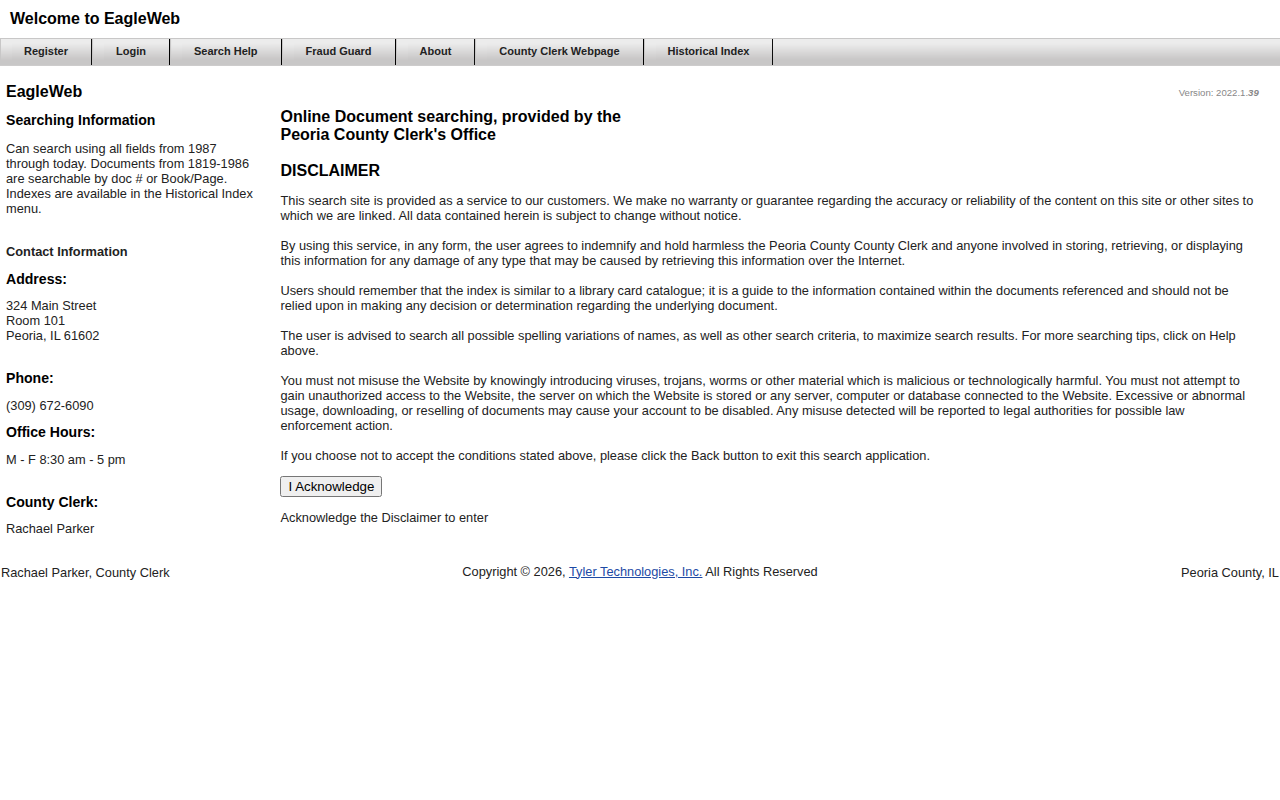 Enlarge
-
Select the document types
On the right, uncheck Search All Types. A list opens. Hold Ctrl and clickL110 - LIS PENDENS NOTICE,L102 - FORECLOSURE NOTICE,L130 - JUDGMENT/FORECLOSUREandD341 - DEED IN LIEU FORECLOSURE.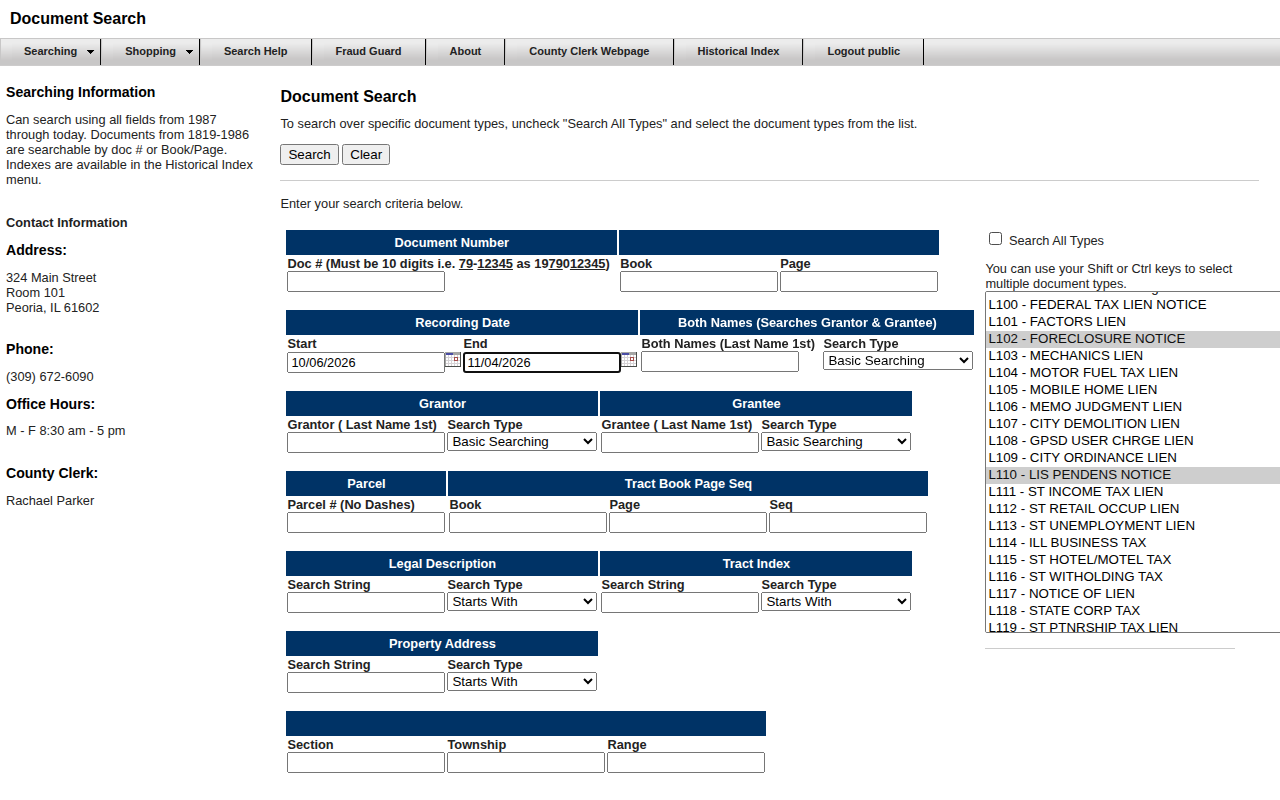 Enlarge
Tip: The list is long. Scroll inside the list to reach each code.
-
Run the search
Click Search. The page shows how many items were found. You can set Results Per Page to 100 on the left.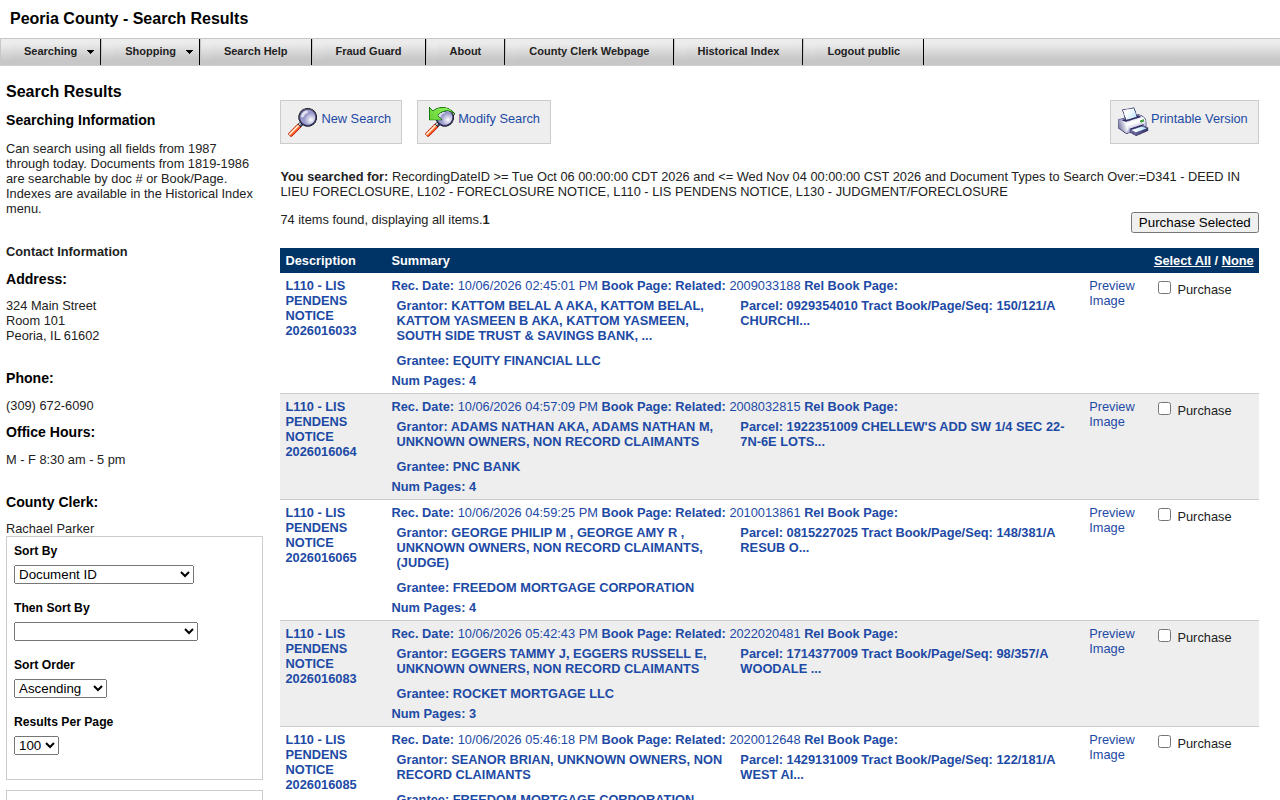 Enlarge
-
Open a record for the address
Click the blue description on the left of a row. Find Property Address under Legal Data.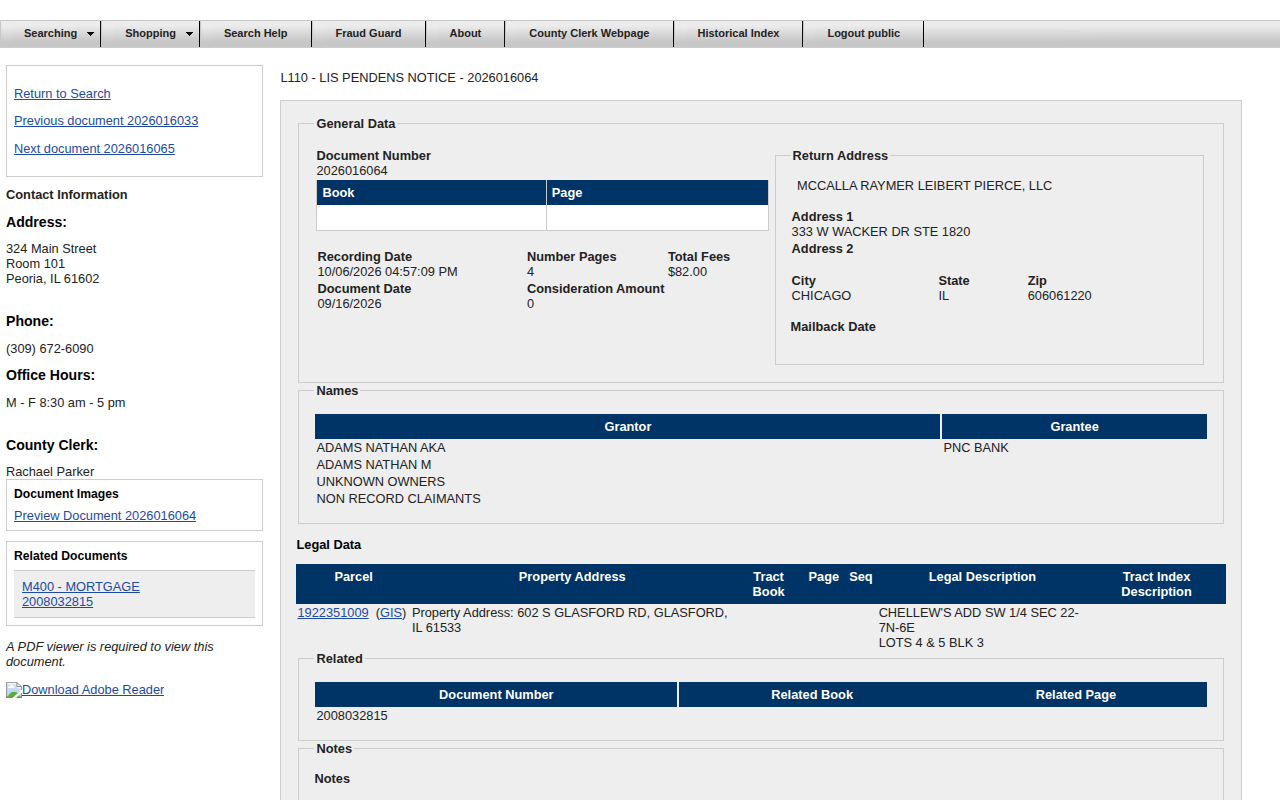 Enlarge
-
Save your records
Copy the rows into your spreadsheet. The results page also has a Printable Version button.
Watch out for these
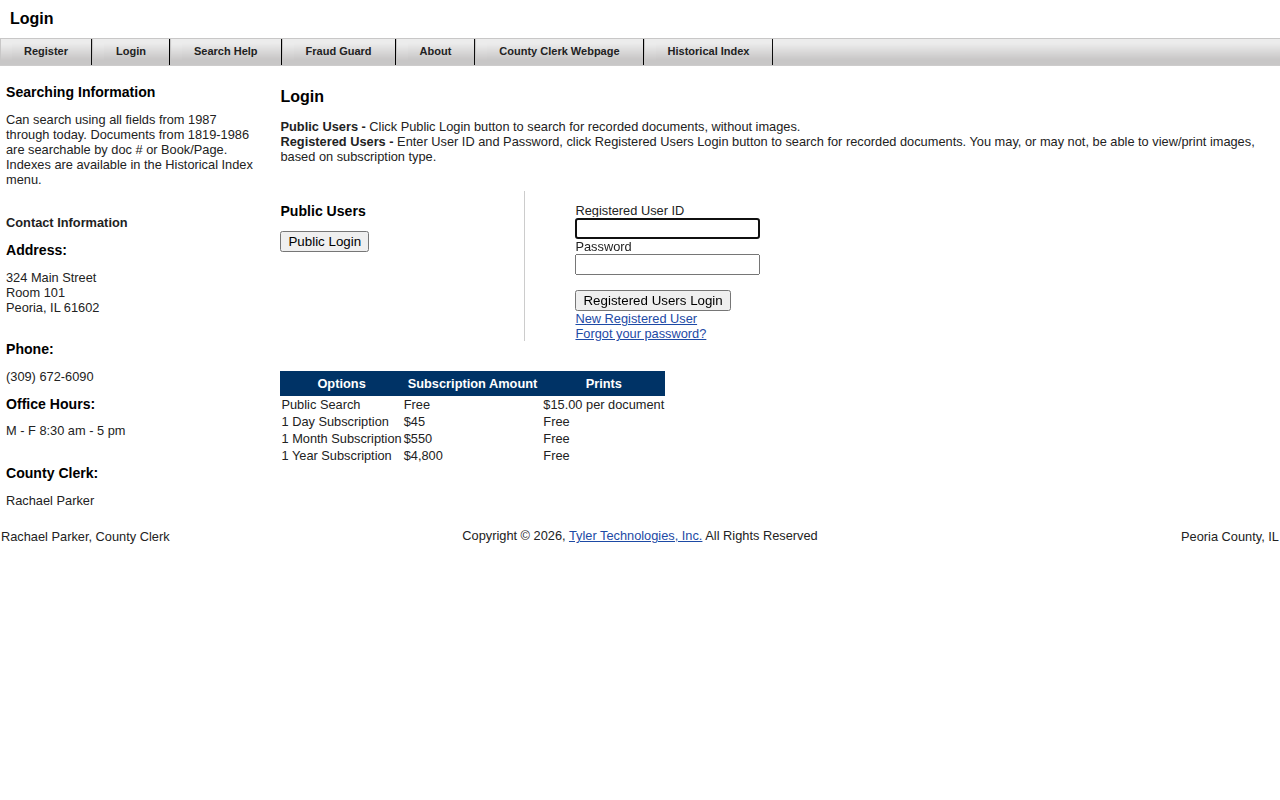
- The public login is for searching without document images.
- Names are reversed here. The Grantor is the homeowner and the Grantee is the lender.
Other lists in Peoria County
Lis Pendens in other Illinois areas
More Illinois guides
Lis Pendens in other states
See every guide
Do not want to do this by hand?
CountyPull pulls this list for you automatically.
Start free
100 free rows each month